Skip to content

Photo and 3D model

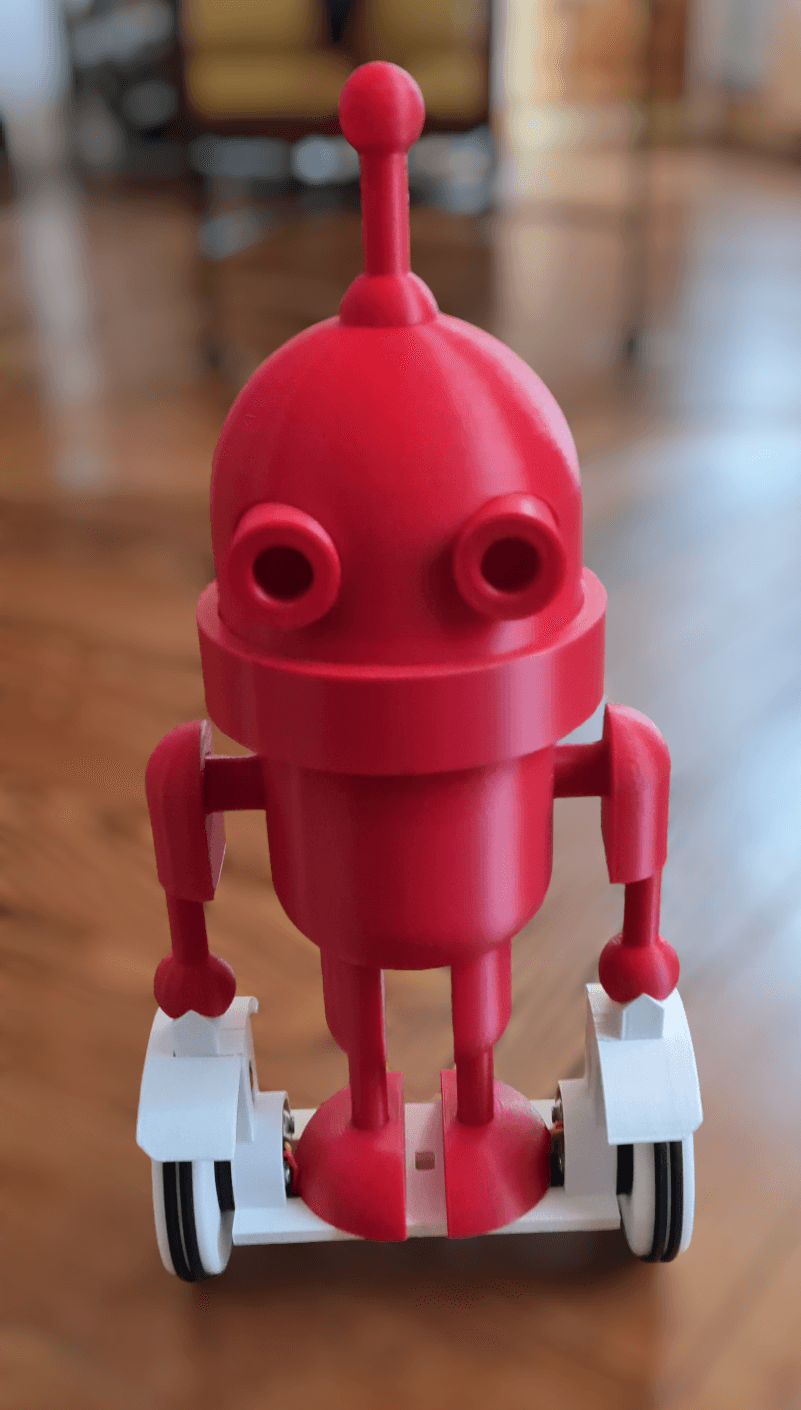
CALOU, photo from its repository
Photo@Versatilerobot (opens in a new tab)MITsource file (opens in a new tab)

3D preview converted from github.com/Versatilerobot/CALOU_self_balancing_robot at 959879d, under MIT. View the original files from GitHub (22.8 MB) (opens in a new tab)

Open source · free files

CALOU

Other

CALOU is an open-source two-wheeled self-balancing inverted pendulum robot, controlled by Bluetooth from a smartphone.

Project information

Buildability
75/100Buildable with some effort
Estimated cost
€98.54+ your smartphone (not included)The total of the creator's parts list (BOM CALOU-GYROSKATE.pdf), battery included.
Level
Advanced
Parts
A PDF
Tools
3D printer
Licenses
MIT (opens in a new tab), hardware and software
Commercial use
Allowed
Works with
arduino

Suggested by Robotheca, created by @Versatilerobot (opens in a new tab), from github.com/Versatilerobot/CALOU_self_balancing_robot (opens in a new tab), pinned to commit 959879d (opens in a new tab). You buy the parts yourself; Robotheca doesn't sell robots.

What to buy

The parts list is a PDF in the repository. Robotheca can't read this file, so its quantities and prices are not checked here.

Open BOM CALOU-GYROSKATE.pdf (opens in a new tab)

Why it scores 75

It measures the published files, not the robot · How we score

75/100

Buildable with some effort

How complete the published files are for rebuilding this robot, measured by Robotheca at commit 959879d. It isn't a rating of the robot. Counted out of 80 points and scaled to 100: the parts that don't apply to this robot are left out.

  1. 13D and CAD files22 printable parts (STL, 3MF).Most points to gain: Add the CAD source (STEP, or the CAD program's own files) so people can change the design.10/20
  2. –Robot descriptionNo URDF. Not counted: the score is made of the parts that apply.Optional: add a URDF, and the robot can be seen in 3D and tried in the browser.Not counted
  3. 2Parts listA parts list in the repository as a PDF (BOM CALOU-GYROSKATE.pdf): Robotheca can't read its quantities, prices or shop links.Add the parts list as a CSV or a Markdown table too, so its prices and shop links can be checked.10/20
  4. 3SoftwareCode in this repository, instructions to install or run it, built on arduino.15/15
  5. 4DocumentationREADME of 3,136 characters with 2 pictures; 5 build steps.15/15
  6. –SimulationNo simulation files. Not counted: the score is made of the parts that apply.Optional: add a simulation model (MuJoCo, Gazebo, Webots or Isaac).Not counted
  7. 5LicensesHardware: MIT; software: MIT.10/10

Build it

The creator's 5 steps, each linked to its instructions
  1. Manufacture the 3D printed mechanical parts
  2. Adapt and wire the electronics
  3. Assemble the robot
  4. Program and set up the robot
  5. Run the starting procedure

The guide appears here as you scroll.

Guide by @Versatilerobot (README.md), under MIT.

More guides

Wiring and electronics

Notes written by Robotheca from the project's documents

Main parts

  • Two RC brushless BR2804-100T gimbal motors drive the wheels.
  • A 2-axis brushless gimbal controller BGC3.1 MOSFET card drives the motors.
  • Angle magnetic encoders close the control loop.
  • An IMU is mounted in the head with the controller.
  • An HC-05 Bluetooth module is mounted in the head.
  • A 500mA, 11.1V, 30C LiPo battery with a switch sits in the body.

Connections

  • The motors and encoders run through the arms and legs, which act as wire guides.
  • The controller, IMU and Bluetooth module are housed in the head, with the battery in the central body.

What it can do

Written by Robotheca from the project's documents
  • CALOU is a two-wheel inverted pendulum (self-balancing robot) that stabilizes itself while standing.
  • It is controlled over Bluetooth from a smartphone app using simple commands.
  • It can be driven around and can make its antenna blink.

Software

Framework
arduino
Languages
Arduino, C, C++
License
MIT

Robotheca doesn't review code. Read it before running it.

How to run it

Written by Robotheca from the project's documents.

  1. 1The firmware is built on the SimpleFOC Arduino library and an application example from the Arduino-FOC-balancer project.
  2. 2Install the Simple FOC Arduino library through the Arduino IDE Library Manager or from its GitHub repository.
  3. 3Open one of the sketches (Calou_Gyroskate, find_sensor_offset_and_direction, test_magnetic_sensor_analog, or test_antenna_blinking) in the Arduino IDE and upload it to the board.
  4. 4Run find_sensor_offset_and_direction to determine the magnetic sensor offset and direction before running the balancing program.

Software that runs on this robot

No software from Robotheca's catalogue found in this robot's files yet. Links come from its robot.yaml, its dependency files read as text, or Robotheca's editors.

The code

Free files

Every file of the project, at commit 959879d.

Community

Questions and improvements go to the creator's repository.

Add a badge to your README

For the creator: two badges that link back here. The second always shows this page's current label and score.


Listed on RobothecaRobotheca buildability

Markdown (one click selects it)

[![Listed on Robotheca](https://robotheca.org/robots/calou/badge.svg)](https://robotheca.org/robots/calou)
[![Robotheca buildability](https://robotheca.org/robots/calou/score.svg)](https://robotheca.org/robots/calou)

Other other robots

All 115 other robots
  • Ready to build

    Open source · free files

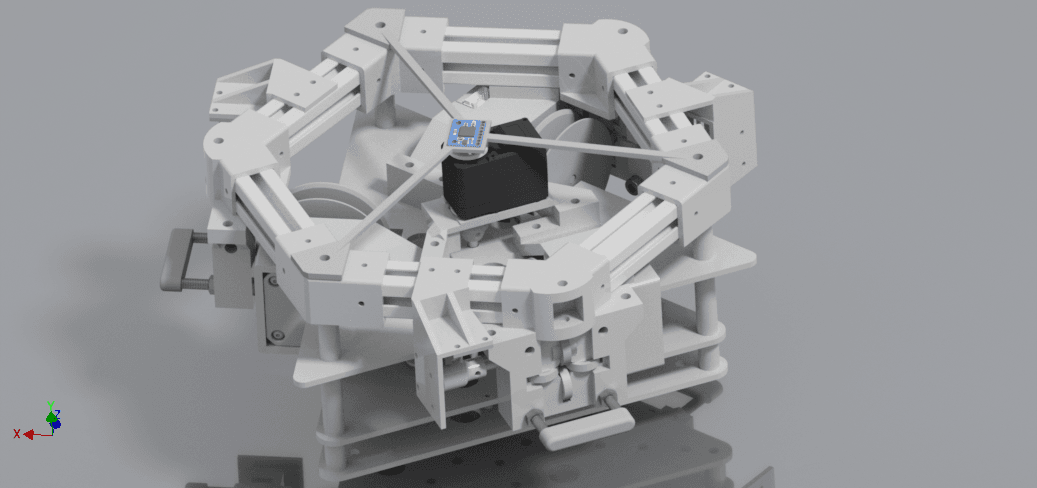
    Koriobots

    Other · Intermediate

    Score
    Buildability 98 out of 100
    Cost
    $972.06≈ €870
  • Ready to build

    Open source · free files

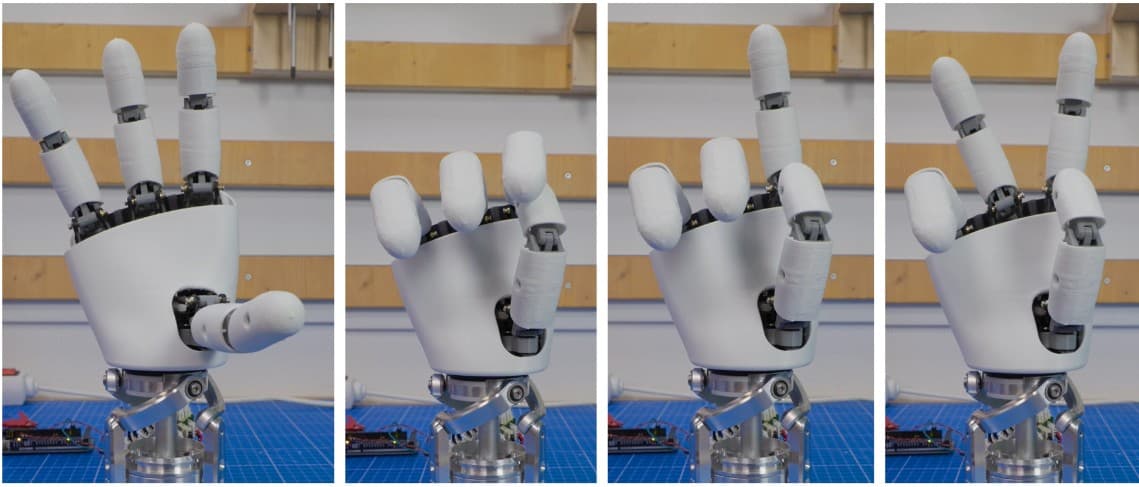
    AmazingHand

    Other · Intermediate

    Score
    Buildability 88 out of 100
    Cost
    under €200
  • Ready to build

    Open source · free files

    DigiArm Prosthetic Hand

    Other · Advanced

    Score
    Buildability 85 out of 100
    Cost
    $250≈ €224
  • Ready to build

    Open source · free files

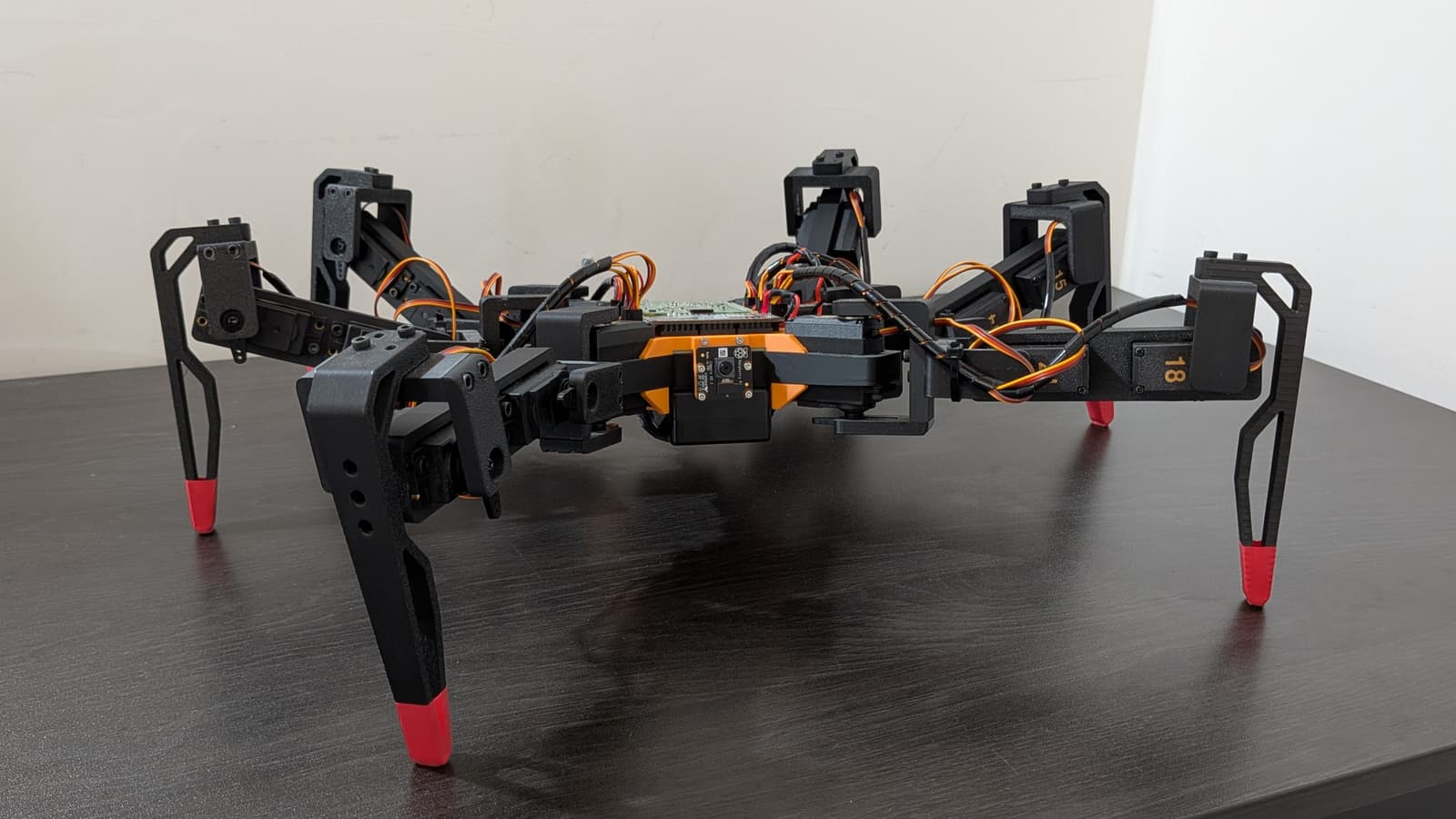
    Hexapod

    Other · Advanced

    Score
    Buildability 84 out of 100
    Cost
    €280

≈ € values are approximate, converted at the ECB euro reference rate of 30 Oct 2026. The creator's original price always comes first.