Software
CleanIt
From github.com/Sollimann/CleanIt (opens in a new tab)
- Cars
- Framework
- MIT
CleanIt is a DIY autonomy software stack written in Rust for Roomba-series robot vacuums, communicating over async gRPC. It targets motion planning, SLAM, mission control and visualization.
Facts
- GitHub stars
- 325read on 6 Nov 2026
- Last update
- 19 Nov 2025Newest commit on main
- Maintenance
- Maintaineda commit in the last 12 months
- Difficulty
- Intermediate
- Hardware it needs, as the project states it
- iRobot Create 2, or an iRobot Roomba 6xx series robot with a serial USB cable; Raspberry Pi 4 (4GB); Intel RealSense D435 or D435i depth camera. Linux needs libudev-dev and pkg-config, and serial access via the dialout group.
Checked on GitHub on 6 Nov 2026.
Licenses
- Code
- MIT (opens in a new tab)
Read by Robotheca from LICENSE (opens in a new tab) (MIT) at commit 26e1f43 (opens in a new tab), on 22 Oct 2026.
- Commercial use
- Yes
Overview
What it does: Robotheca's summary
- Built from scratch in Rust, covering motion planning, guidance and control, SLAM, mission control and 2D/3D visualization.
- Uses real-time client-server communication with async gRPC for intercommunication and distributed compute.
- Includes a streaming server and a Roomba client, started with cargo run.
- SLAM work is still in progress and lives in a separate repository.
- Organized as a workspace with api, autonomy, drivers, proto, setup and visualization crates.
Written by Robotheca from the project's README (opens in a new tab) at commit 26e1f43, not by its creator.
The README
The creator's own README, copied as written: README.md by @Sollimann, at commit 26e1f43, under MIT (opens in a new tab). The original on GitHub (opens in a new tab).
Read the README here
CleanIt
(opens in a new tab) (opens in a new tab) (opens in a new tab) (opens in a new tab) (opens in a new tab) (opens in a new tab) (opens in a new tab) Image: ViewCount (opens in a new tab) (opens in a new tab)
<em>Open-source Autonomy Software in Rust-lang with gRPC for the Roomba series robot vacuum cleaners</em>
Motivation
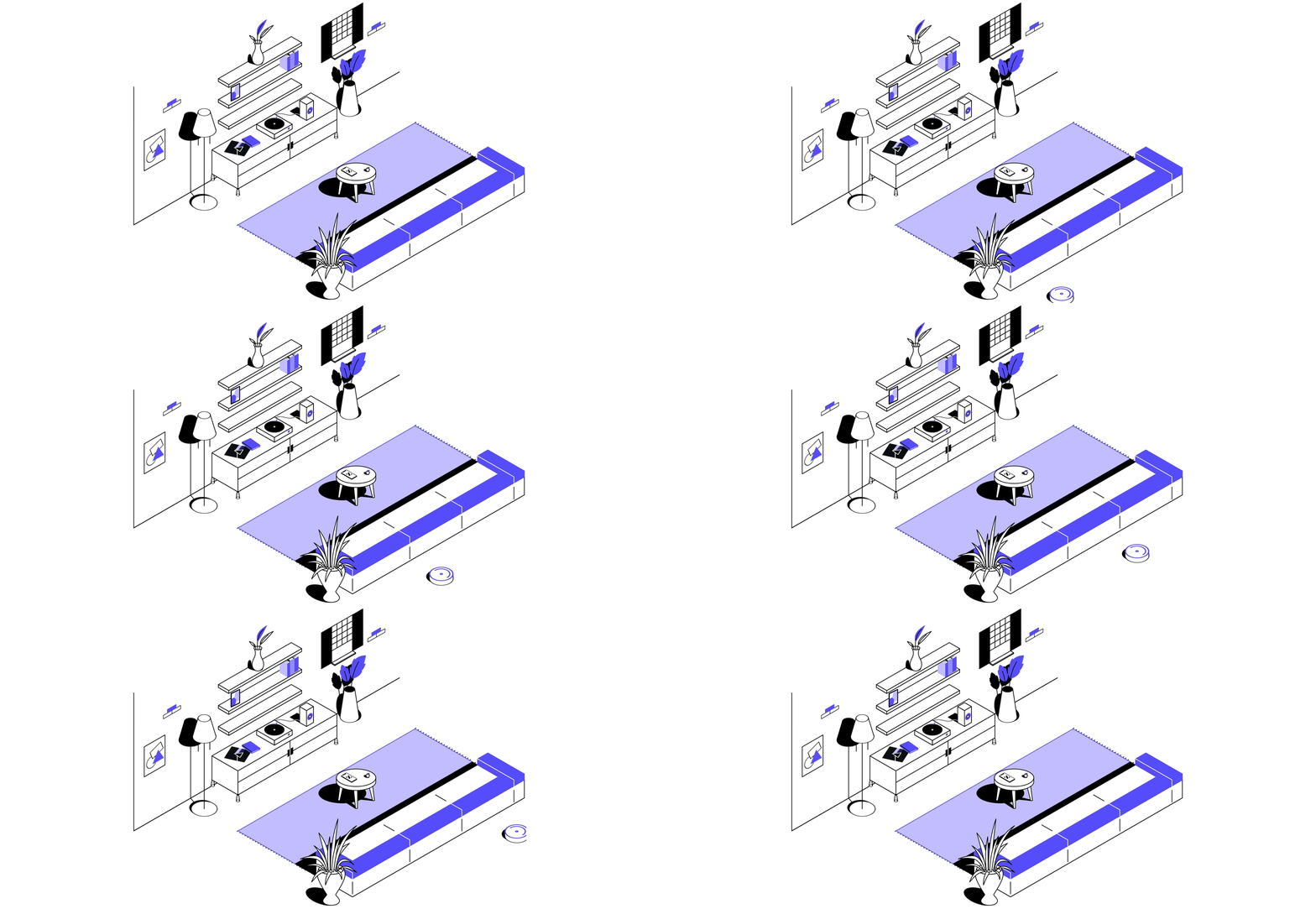
Motivation is to build a complete DIY autonomy software from scratch (motion planning, guidance and motion control, SLAM, mission control, 2D/3D visualization etc..) with a real-time client-server communication stream using async gRPC for intercommunication and distributed compute.
The SLAM part is work-in-progress here: https://github.com/Sollimann/Occupancy-Grid-FastSLAM/tree/main (opens in a new tab)
Contributions are welcome!
Would you like to contribute with work and/or ideas, feel free to check out the Project Backlog (opens in a new tab)
Run the Roomba client and API
Run the server
$ cargo run --bin streaming-server
Run the client
$ cargo run --bin roomba-client
Structure
Project Layout
├── Cargo.toml (workspace)
├── Cargo.lock
├── api (lib/bin)
|   └── client
|   └── server
├── autonomy (bin)
|   └── mission
|   └── motion
|   └── slam
|   └── perception
|   └── risk
├── drivers (lib)
|   └── roomba
|   └── realsense
|   └── rplidar
|   └── raspberryPi
└── proto (lib)
|   └── roomba_service.proto
|   └── messages.proto
|   └── types.proto
|   └── robot_state.proto
|   └── map2D.proto
├── setup (bin)
|   └── config
|   └── main
└── visualization (bin)
|   └── urdf
|   └── map
|   └── camera
Crate/package Layout
├── Cargo.toml
├── Cargo.lock
├── src
│   ├── main.rs
│   ├── lib.rs
│   └── bin
│       └── another_executable.rs
├── tests
│   └── some_integration_tests.rs
├── benches
│   └── simple_bench.rs
└── examples
    └── simple_example.rs
Pre-requisites
Software
Linux
$ [sudo] apt-get install libudev-dev pkg-config
User serial permission is required to connect to Create over serial. You can add your user to the dialout group to get permission:
$ [sudo] usermod -a -G dialout $USER
Logout and login again for this to take effect.
MacOs
$ brew install *TODO*
Hardware
- iRobot Create 2 (or iRobot Roomba 6xx series with serial USB cable - https://store.irobot.com/en_US/parts-and-accessories/create-accessories/communication-cable-for-create-2/4466502.html (opens in a new tab) )
- Raspberry Pi 4 (4GB)
- Intel RealSense D435 or D435i depth camera
Files and versions
- Repository on GitHubgithub.com/Sollimann/CleanIt (opens in a new tab)
- The version Robotheca read26e1f43 (opens in a new tab)
- Latest releaseNone published on GitHub
Robotheca never hosts the code: each link goes to the creator's own page.
Use it
How to install it, in the creator's words: The project's README (opens in a new tab)
Robotheca doesn't review code. Read it before running it.
Robotheca lists software as a reference: nothing is hosted or run here, and every fact links to where it was read.