Open source · free files
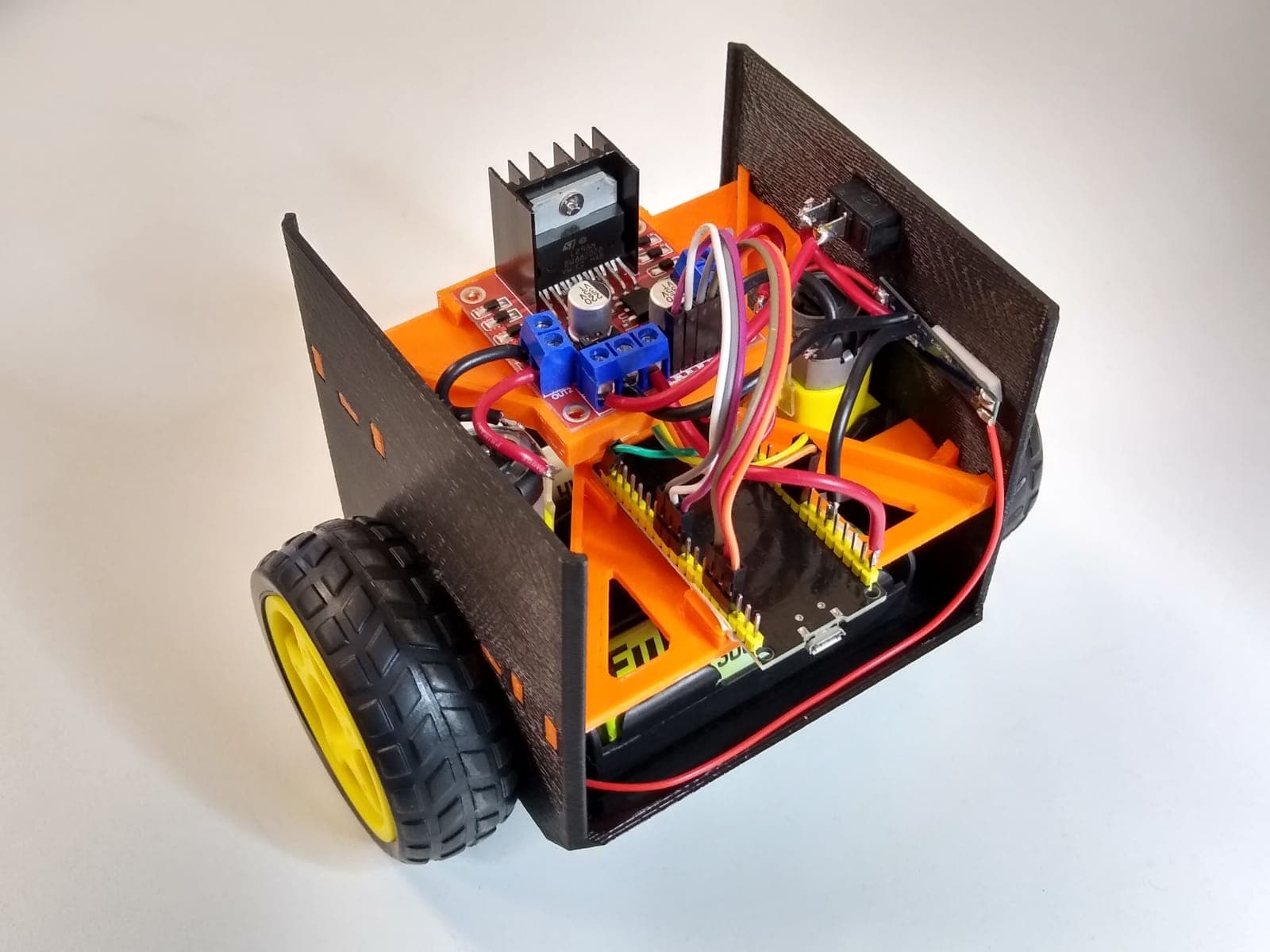
Balancio-Kit
Other · Intermediate
- Score
- Buildability 68 out of 100
- Cost
- Not stated
Software
By Bullet Physics SDK, United States (checked on github.com/bulletphysics (opens in a new tab)), from github.com/bulletphysics/bullet3 (opens in a new tab)
Bullet is a C++ SDK for real-time collision detection and multi-physics simulation, used in games, VR, robotics and machine learning. PyBullet provides its Python bindings.
Checked on GitHub on 6 Nov 2026.
Read by Robotheca from LICENSE.txt (opens in a new tab) at commit d3afe76 (opens in a new tab), on 16 Oct 2026. A license text Robotheca's reader does not know: a person at Robotheca set it on 9 Nov 2026.
Written by Robotheca from the project's README (opens in a new tab) at commit d3afe76, not by its creator.
Robotheca never hosts the code: each link goes to the creator's own page.
The robots on Robotheca that use it or can run it, each with how the link was found.
Open source · free files
Other · Intermediate
Found by Robotheca in requirements.txt (opens in a new tab)
Open source · free files
Robot arm · Advanced
Found by Robotheca in telegrip_teleoperation/pyproject.toml (opens in a new tab)
Found by Robotheca in pyproject.toml (opens in a new tab)
How to install it, in the creator's words: The project's README (opens in a new tab)
Robotheca doesn't review code. Read it before running it.
Robotheca lists software as a reference: nothing is hosted or run here, and every fact links to where it was read.