Robot Pet v1 (ESP32-CAM Face Tracker)
A desktop robot pet built around an AI-Thinker ESP32-CAM that streams video, tracks faces or coloured objects with pan and tilt servos, and shows animated eyes on an OLED display.
- Home
- Open source
- arduino
Suggested by Robotheca, created by @RKTheOneAndOnly (opens in a new tab), from github.com/RKTheOneAndOnly/Robot_Pet_V1 (opens in a new tab). Pinned to commit 73cf6e3 (opens in a new tab).
- Hardware license
- GPL-3.0-only (opens in a new tab)
- Software license
- GPL-3.0-only (opens in a new tab)
- Commercial use
- Allowed
Photo and 3D model
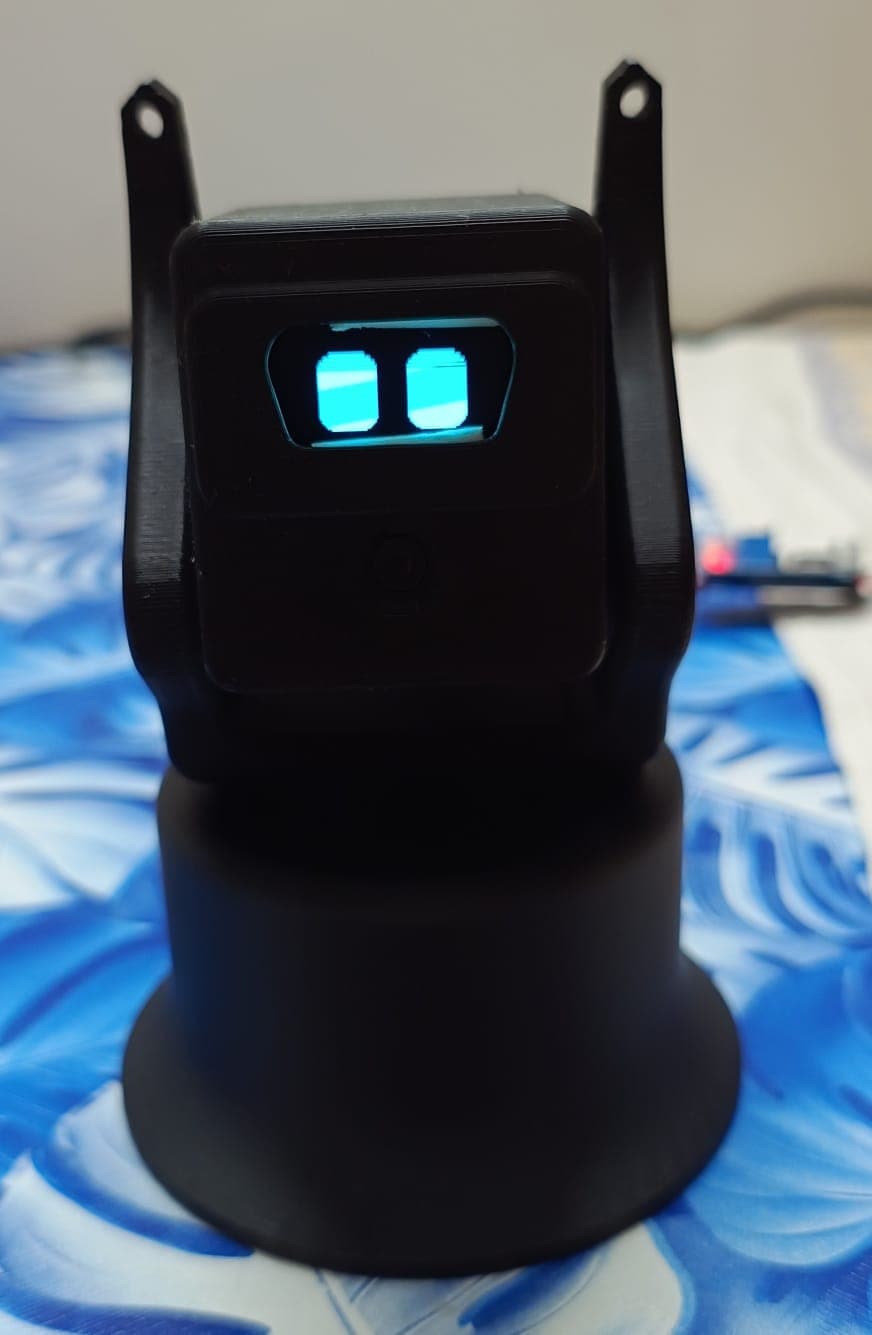
3D preview converted from github.com/RKTheOneAndOnly/Robot_Pet_V1 at 73cf6e3, under GPL-3.0-only. View the original files from GitHub (13.0 MB) (opens in a new tab)
What it can do
Written by Robotheca from the project's documents.
- Streams MJPEG video over WiFi from an ESP32-CAM to a laptop.
- Tracks a face with a Haar cascade or a coloured object using an HSV blob.
- Drives pan and tilt servos to keep the tracked target centred in frame.
- Shows animated, mood-driven eyes on a 128x64 I2C OLED that blink and glance around.
- Vision on the laptop only sends relative turn commands; the ESP32 owns servo angles and limits.
- Colour mode lets the user click the video to sample and track a colour under the cursor.
Bill of materials
7 parts7 of 7 parts shown
| # | Component | Quantity | Est. price | Supplier |
|---|---|---|---|---|
| 2. Components Used | ||||
| 1 | AI-Thinker ESP32-CAM (OV2640) | 1 | – | – |
| 2 | SG90 micro servo | 2 | – | – |
| 3 | 1.3 " I²C OLED, 128×64 | 1 | – | – |
| 4 | USB-to-TTL adapter (FTDI/CP2102) | 1 | – | – |
| 5 | 5V power supply, ≥1A | 1 | – | – |
| 6 | 3D printed parts | 5 | – | – |
| 7 | Jumper wires, M2/M3 screws | – | – | – |
7 of 7 needed parts have no price in the source, so there is no parts total. Read from README.md at the pinned commit.
Build guide
The creator's steps, each with its instructions.
- 1Add WiFi credentials to include/wifi_config.h
- 2Flash the firmware with PlatformIO
- 3Check the camera stream in a browser
- 4Run the servo bring-up test
- 5Centre both servos before assembly
- 6Install Python requirements and run the tracker
The guide appears here as you scroll.
Guide by @RKTheOneAndOnly (README.md), under GPL-3.0-only.
Wiring and electronics
Notes written by Robotheca from the project's documents.
Main parts
- AI-Thinker ESP32-CAM (OV2640) as main controller and camera.
- Two SG90 micro servos for pan and tilt.
- 1.3 inch I2C OLED display, 128x64, blue, 4-pin.
- USB-to-TTL adapter (FTDI/CP2102) used only for flashing.
- 5V power supply of at least 1A, separate from the ESP32-CAM for the servos.
Connections
- Pan servo signal on GPIO2, tilt servo signal on GPIO13.
- OLED SDA on GPIO14 and SCL on GPIO15, since the camera occupies the default I2C pins 21 and 22.
- Servos are powered from the separate 5V supply, not from the ESP32-CAM 5V or 3.3V pin.
- Common ground must connect the servo supply, ESP32-CAM, and OLED grounds.
Cables and connectors
From the parts list.
- Jumper wires, M2/M3 screws