Mini Pupper
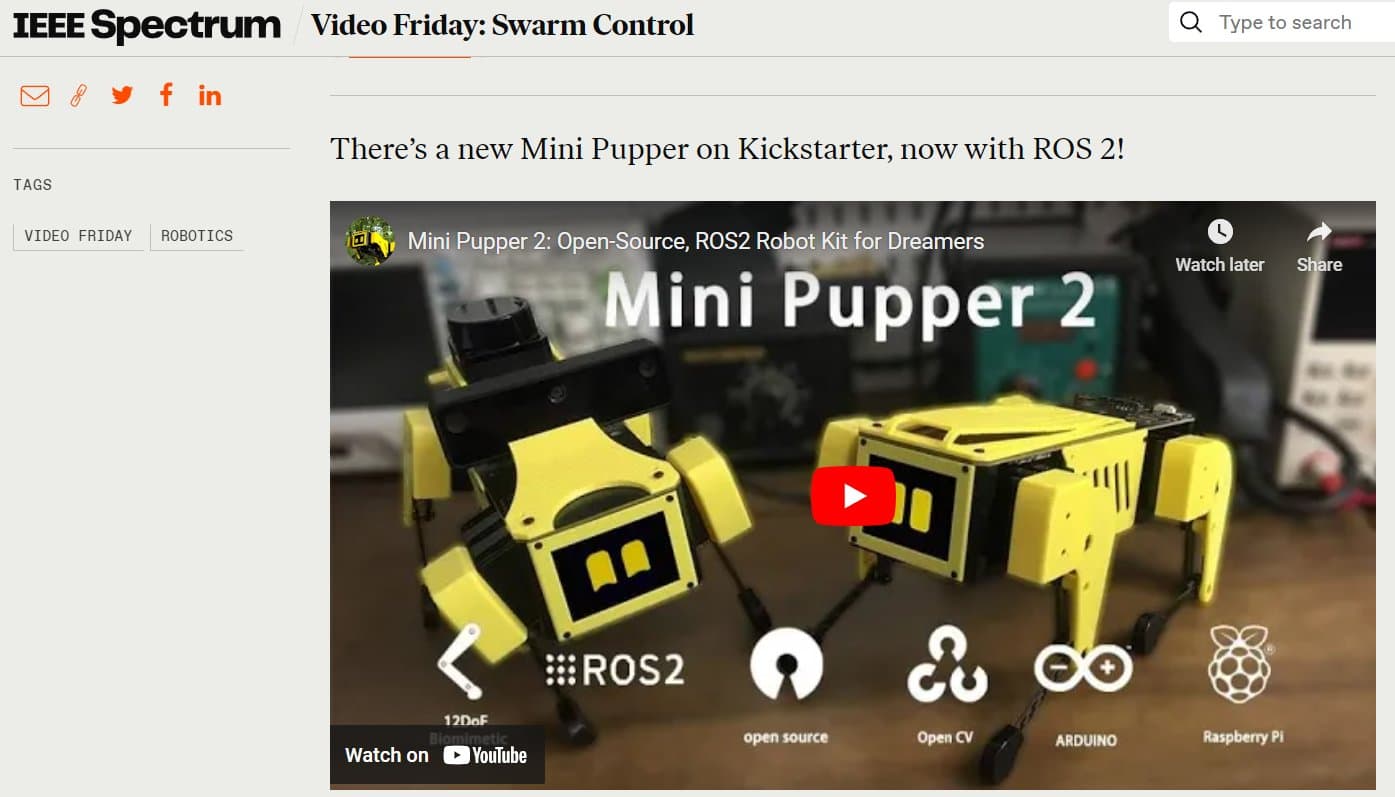
An open-source, ROS-based quadruped robot dog designed for education and research, supporting SLAM, navigation, and OpenCV AI features.
- Quadruped
- Open source
- Works with AI
- ROS 2
Suggested by Robotheca, created by @mangdangroboticsclub (opens in a new tab), from github.com/mangdangroboticsclub/QuadrupedRobot (opens in a new tab). Pinned to commit db0de63 (opens in a new tab).
- Hardware license
- MIT (opens in a new tab)
- Software license
- MIT (opens in a new tab)
- Commercial use
- Allowed
This repository contains executable files that Robotheca doesn't check. Only run them if you trust the creator.
Which files (5 files marked executable, 12 scripts)
- install.sh (opens in a new tab)
- Legacy/pre_install.sh (opens in a new tab)
- Mangdang/EEPROM/install.sh (opens in a new tab)
- Mangdang/EEPROM/Makefile (opens in a new tab)
- Mangdang/FuelGauge/battery_monitor (opens in a new tab)
- Mangdang/FuelGauge/install.sh (opens in a new tab)
- Mangdang/FuelGauge/Makefile (opens in a new tab)
- Mangdang/PWMController/install.sh (opens in a new tab)
- Mangdang/PWMController/Makefile (opens in a new tab)
- Mangdang/System/install.sh (opens in a new tab)
- Mangdang/System/joystart.sh (opens in a new tab)
- Mangdang/System/sudoers (opens in a new tab)
- Mangdang/Tools/run_set_neatral.sh (opens in a new tab)
- PS4Joystick/install.sh (opens in a new tab)
- PupperCommand/install.sh (opens in a new tab)
- StanfordQuadruped/install.sh (opens in a new tab)
- UDPComms/install.sh (opens in a new tab)
Photo
- Degrees of freedom
- 12
What it can do
Written by Robotheca from the project's documents.
- Walks with 12 degrees of freedom using trot, pace, bound gaits
- Runs SLAM and navigation with ROS on Ubuntu
- Performs OpenCV AI tasks with OAK-D-Lite camera
- Follows hand signals for control
- Displays animated eyes on an LCD screen
- Plays jump rope animation
- Supports PS4 joystick control over Bluetooth
- Communicates between processes over UDP network
Works with AI
Found by Robotheca in the project's files at commit db0de63, its robot.yaml and Robotheca's notes on its documents. Never guessed; Robotheca doesn't run the code.
“Performs OpenCV AI tasks with OAK-D-Lite camera”
Robotheca's notes: What it can do
Bill of materials
This repository has no parts list Robotheca can read yet.
Build guide
The creator's steps, each with its instructions.
- 1Flash Ubuntu preinstalled image to the SD card
- 2Boot Raspberry Pi
- 3Install dependencies and clone repository
- 4Run pre-installation and installation scripts
- 5Configure and enable restart_joy service
- 6Reboot system
The guide appears here as you scroll.
Guide by @mangdangroboticsclub (README.md), under MIT.
More guides
Wiring and electronics
Notes written by Robotheca from the project's documents.
Main parts
- Raspberry Pi 4 or 5 as main controller
- 12 Mini Pupper custom servos for legs
- PCA9685 servo controller board
- IMU integrated on carry board
- OAK-D-Lite 3D camera module
- PS4 DualShock controller for input
- LCD screen for HMI
- LiPo battery with onboard voltmeter and alarm
- Power switch and charging port
Connections
- Servos connected to PCA9685 via I2C bus
- IMU connected via I2C to Raspberry Pi
- OAK-D-Lite camera connected via USB
- PS4 controller paired over Bluetooth to Raspberry Pi
- LCD screen connected via GPIO or I2C
- Battery connected to power distribution board with switch